AI-assisted research, source-checked and reviewed by a human editor. How we work
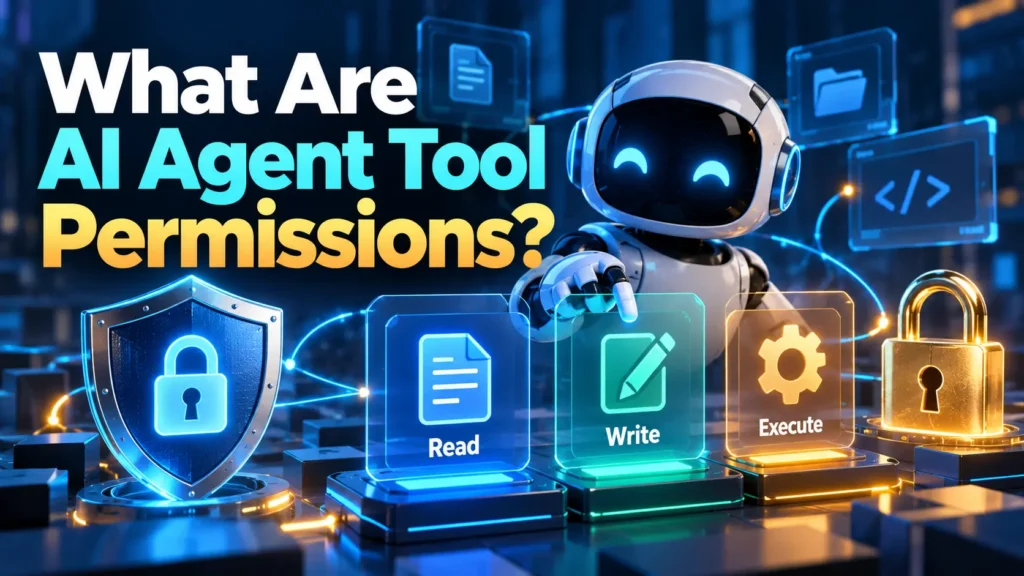
AI agent tool permissions determine what an AI assistant can retrieve, change, send, or execute through connected systems. This is one of the most important decisions in agent design because a mistake in a chat response can become a real-world action when an assistant has powerful tools. This guide explains permission boundaries for non-specialists and outlines a practical safety review.
What a tool permission means
An agent may have access to a search interface, database, cloud drive, calendar, CRM, or code execution environment. Access is not one permission; it consists of specific operations and scopes. A tool might allow listing documents but not modifying them, or viewing one project but not an entire company account. The agent’s ability should be defined at the integration and account level, not inferred from what the prompt says it should do.
Read access is still sensitive
Read-only privileges can expose private records, unpublished strategy, personal information, or internal customer lists. An agent that can search a shared drive may retrieve information that does not belong in the current conversation. Review who owns the underlying account, which folders are available, whether results are filtered for the requesting user, and whether the provider logs or retains the retrieved text.
Write and send access create additional risks
Changing a spreadsheet, updating a customer record, publishing a page, or sending an email can have financial and reputational consequences. Distinguish a candidate change from an approved action. A robust workflow might let an agent prepare a draft in a temporary location while requiring a human to authorize the final write. Email sending, deleting records, and adjusting access privileges generally deserve stricter treatment than producing a local preview.
Execution permissions deserve the highest scrutiny
Running code, executing shell commands, accessing production deployment systems, or invoking administrative APIs may cause unintended effects at scale. Use isolated test environments, restricted credentials, and explicit approval for consequential commands. Review the scope of filesystem access, network access, and secrets. Do not place production credentials in prompts or documents the agent can quote back.
Apply least privilege
Grant only the access required for a clearly defined task, for the shortest reasonable period. A document summarizer needs read access to specified files, not full administrative control of the workspace. An appointment assistant might check availability without holding permission to cancel all bookings. Use dedicated service identities where appropriate, and remove rights after a project ends.
Separate authority from the model’s instructions
Natural-language directions are useful for behavior, but they are not an authorization system. An instruction like ‘never delete a file’ should be reinforced by a connector identity that cannot delete files. This creates a safety boundary even if the model misunderstands a request or reads malicious instructions in a document. Whenever possible, authorization should be enforced by the tool service itself.
Understand prompt injection as a permission problem
Untrusted content such as an email, page, or document may contain text instructing the agent to leak data or call tools. That content is task data, not authority. The OWASP LLM guidance describes prompt injection as a risk in applications where external material can influence model behavior. Reduce the damage an injected instruction can cause with constrained tools, separation of roles, input handling, and review of high-impact actions.
Review permission inheritance
An agent may act as a user, an application, or a service account. These identities can have very different visibility. A user-scoped connection might inherit access to sensitive files; a shared service account might reach data that individual users should not see. Ask whose authority applies to each tool call, how permissions are checked, and whether delegated access expires or is revoked when the user leaves the organization.
Use consent and approval where they matter
Not every read operation requires a popup, and too many confirmation prompts may encourage blind approval. Reserve explicit confirmations for external communications, monetary effects, irreversible changes, sensitive disclosures, and expansion of permissions. Show the intended operation, target, data involved, and possible consequences before approval. For a complex batch task, require a summarized change plan and an option to inspect individual items.
Log actions without overcollecting private data
A useful audit trail records the agent identity, requesting user, time, tool, operation, target resource, and approval outcome. Avoid unnecessarily recording entire private documents when metadata would be sufficient. Decide who can see the logs, how long they are retained, and how investigations will be handled. A log that exists but is never reviewed is not a complete monitoring strategy.
Test permissions with negative cases
During evaluation, ask the agent to perform tasks it should not be able to do: open a prohibited file, change a record outside the project, or execute an unauthorized command. The correct result is an enforced refusal or access-denied response from the system, not merely a polite statement. Also test whether an untrusted document can induce a tool call or reveal unrelated information. Record the actual observed result and fix both configuration and workflow issues.
Build a permission inventory
A simple register can contain agent name, owner, purpose, connected tools, data categories, read/write scopes, approval rules, logging destination, and next review date. Identify orphaned agents and stale credentials. Review permissions after new integrations, staff turnover, vendor changes, or incidents. If a tool is no longer needed, disable it rather than leaving broad access for convenience.
Who should own the decision?
A business owner defines the task and its value, a system administrator enforces permissions, and a risk or privacy owner reviews sensitive use where appropriate. Small teams may combine these roles, but they should still document who is accountable. No single prompt author should unilaterally approve production access to high-risk systems.
FAQ: Can an agent have read-only access to email?
Many systems support different permission scopes, but the exact controls depend on the provider. Check whether the integration can truly read without sending, deleting, or changing messages.
FAQ: Does a confirmation prompt make an action safe?
Not by itself. Confirmations help only when users can understand the proposed action and the backend enforces the approval boundary.
FAQ: What is the best first permission for a new agent?
Start with no external access, then add narrowly scoped read-only tools as the use case requires. Grant higher privileges only after testing and risk review.
Operating rules for a permission register
Review connected applications after employee role changes, integration upgrades, and ownership transfers. A register should record which user or service identity acts on behalf of the agent, the exact API scopes it holds, when those permissions were granted, and how they will be revoked. Make audit logs useful without collecting unnecessary private payloads. If the organization cannot revoke an integration or recover from unintended actions, deployment should not proceed.
See also our related verification guide for an additional workflow example.
When the authorized task ends, remove connections that are no longer necessary, rotate any exposed credentials, and verify the agent cannot call previously accessible services. Permission lifecycle management is as important as the initial grant because unused rights can accumulate over time.
Conclusion
AI agent tool permissions are the bridge between text and action. Their safest design follows least privilege, enforced authorization, meaningful approvals, testing against misuse, and periodic review. Treat every new connector as a deliberate security decision rather than a convenience checkbox.
Sources
AI-assisted editorial draft. Human review required. No firsthand testing is claimed.