AI-assisted research, source-checked and reviewed by a human editor. How we work
An AI PDF summarizer can help you scan a long report, but it must be checked against the original pages, especially when the file is a scanned image. A practical guide to summarizing PDFs with AI, checking OCR quality, tables, missing pages, and source accuracy. The steps below emphasize real-world verification rather than assuming a tool’s output is automatically correct.
Why the type of PDF matters
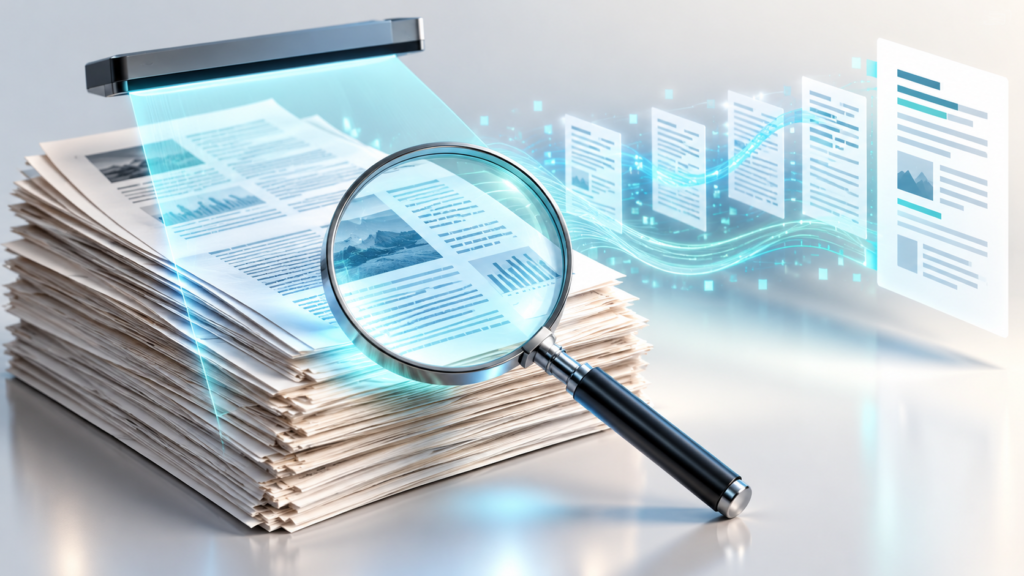
A PDF can contain selectable text, scanned page images, or a mixture. A text-based file lets software extract words directly; a scanned file often needs optical character recognition, or OCR. Microsoft documents OCR capabilities for extracting text from images and scanned PDFs. OCR can mistake characters, especially in blurry scans, complex forms, handwritten notes, or unusual layouts. An AI summary built on faulty extraction can be polished yet wrong. Check extraction before evaluating the summary.
Prepare the document
Confirm you have permission to upload and process the file. Remove confidential information unless the service and organizational policy allow it. Check whether the PDF has all expected pages and a readable resolution. For contracts and financial statements, note the effective date, appendices, attachments, and footnotes. A missing annex can change the meaning of an otherwise accurate summary. Store the original file and its version so readers can trace conclusions.
Inspect OCR and layout
If possible, search for a distinctive phrase from the middle of a page. Copy a few paragraphs and compare them with the visible scan. Examine numbers that OCR commonly confuses, such as 0 and O or 1 and I. Tables can be especially difficult: cell values may be associated with the wrong headings. Microsoft describes document layout analysis that identifies tables and structural elements, but capability depends on the tool and file quality. Do not assume every consumer summarizer preserves table relationships.
Ask for a structured summary
A useful request is: ‘Summarize the purpose, key findings, dates, obligations, exceptions, and unresolved questions. Cite the page number or source passage for every important claim. If text is unreadable, identify the affected page.’ For research papers, add method, sample, limitations, and authors’ conclusions. For policies, add scope, effective date, and exceptions. Ask for a separate list of uncertain OCR passages rather than letting the model fill them in.
Verify high-risk details
Compare names, amounts, deadlines, percentages, and quoted clauses directly with the original. Check whether a table uses thousands, millions, or a different currency. Verify that the summary distinguishes a proposal from a binding requirement. If the file is long, sample ordinary pages but fully review important sections. For medical, legal, or financial decisions, use a qualified professional rather than treating a model’s extracted summary as advice.
Make summaries reusable
Keep an audit note with the original file name, version, date, OCR method, summary date, and reviewer’s corrections. Attach citations or page references where possible. Do not silently merge multiple file versions. If you publish a summary, explain what source was used and what was not independently verified. Microsoft provides OCR documentation and layout guidance for understanding the underlying extraction steps.
An OCR example: a scanned invoice
Suppose a scan shows an invoice total of $1,080.00, but an OCR system reads $1,030.00 because a digit is faint. The AI summary may reproduce the wrong figure and then calculate a convincing payment schedule from it. The error started before the language model. Always compare money amounts, dates, account numbers, and item quantities against the visible page. Confirm the printed currency and whether tax is included. For finance workflows, prefer structured review or human sign-off over automatic acceptance.
Check whether the PDF is searchable
Open the original in a trusted PDF viewer. Try selecting a sentence, searching for a unique term, and copying a short paragraph into a plain-text editor. If the text is scrambled, missing, or absent, the file may depend on OCR or contain a faulty embedded text layer. A hybrid PDF can have selectable text on some pages and image-only scans on others. Inspect a few pages from the beginning, middle, and end rather than drawing a conclusion from page one.
Microsoft’s Read OCR documentation explains extraction from printed and handwritten materials, but it does not guarantee perfect recognition for every scan.
Compare summary styles by document type
| Document | Useful summary fields | High-risk checks |
|---|---|---|
| Research paper | Question, method, sample, findings, limitations | Statistical claims and caveats |
| Contract | Parties, obligations, deadlines, exceptions | Defined terms and amendments |
| Financial report | Period, units, main changes, footnotes | Amounts, currency, tables |
| Technical manual | Applicable model, procedure, warnings | Version and safety instructions |
Matching the output structure to the source reduces the chance that essential exceptions disappear beneath a generic executive summary.
How to validate a table extracted from PDF
Find a table central to the document’s argument. Check the column headers, row labels, footnotes, merged cells, and units. Compare several cells near the top and bottom against the extraction. If a figure is presented as a percentage, identify its denominator and period. If the table is split across pages, make sure the headings are not lost. Do not have the AI calculate trends from extracted numbers until the extracted values are trustworthy.
Document-processing systems can recover structure, but layout complexity remains a practical challenge. The Microsoft layout model documentation illustrates the distinction between text extraction and structural interpretation.
Privacy and upload decisions
A document does not become low risk because it is a PDF. Scans may contain signatures, addresses, identification numbers, or confidential schedules. Check the intended summarizer’s retention, access, and data-use terms. Where possible, redact unnecessary details before upload. For a shared workplace process, use an approved service and keep an audit trail of which file version produced a particular summary.
Choosing an AI PDF summarizer
An AI PDF summarizer is worth evaluating on accuracy and traceability before convenience. Use a few representative documents: a clean text PDF, a low-quality scan, a document with a table, and a document with footnotes. Ask identical questions, inspect the original passages, and record missing or altered details. A tool that admits uncertainty may be more useful than one that returns a polished answer for every question.
Design a simple quality test before choosing a tool
Select four sample PDFs that resemble the files you actually use. Include a clean digital document, a difficult scan, a table-heavy report, and a document containing important footnotes. For each, prepare five factual questions whose correct answers you have checked in the original. Run those questions through candidate summarizers, then score correctness, missing caveats, citation usefulness, and handling of unreadable sections. Record the exact file version and software date.
Do not treat an invented confidence percentage as proof of accuracy. Some tools provide confidence scores for extraction stages, but the meaning of those scores depends on the specific system. Prefer direct inspection of critical fields. For business-critical documents, add a human approval step before a summary affects payments, obligations, or safety instructions. The goal is a repeatable decision process, not a promise that one application is always best.
FAQ
Can AI summarize scanned PDFs? Often, with OCR, but accuracy depends on scan quality and tools. Why are tables risky? Reading order and cell relationships can be lost. Does a page citation prove accuracy? No; inspect the page. Should I discard the original? No, retain it according to your record policy.
Reviewed October 22, 2026. Verify current product documentation and local requirements before relying on this guide.
Related ThriftBeam guides
- RAG Explained: How AI Answers Questions From Your Documents
- Writing Image Alt Text With AI: An Accessibility Guide