AI-assisted research, source-checked and reviewed by a human editor. How we work
Quick answer: This Otter.ai review is for people deciding whether to let an AI meeting assistant join their calls. Otter transcribes meetings, produces summaries and action items, and can join scheduled calls automatically through its meeting agent. It is a convenient choice for internal meetings where everyone knows they are being recorded. The two issues to understand first are data use and consent. Otter’s privacy policy, effective June 16, 2026, says it trains its proprietary AI on de-identified audio and on transcriptions, which may contain personal information. Otter is also the subject of reported privacy litigation over recording consent. This is a documentation-based review checked on October 28, 2026; ThriftBeam has not tested Otter hands-on.
Otter.ai at a glance
| Area | What the documentation or reporting says | What to check yourself |
|---|---|---|
| Core use | Live meeting transcription, summaries, action items, and searchable notes | Accuracy on your accents, jargon, and audio quality |
| Auto-join | A meeting agent (formerly called OtterPilot) can join calendar meetings | Default calendar and sharing settings before connecting |
| AI training | Privacy policy: trains proprietary AI on de-identified audio and transcriptions | Whether your plan or enterprise agreement changes this |
| Third parties | Policy lists data labeling and AI service providers among recipients | Your organization’s vendor-review requirements |
| Retention | Kept “as long as necessary” for stated purposes or legal obligations | Your own deletion routine and retention policy |
| Pricing | Free and paid tiers; limits vary by plan | Current minutes and features on Otter’s pricing page |
What Otter.ai does well
Otter’s main value is capturing conversations so people can focus on the discussion. Independent 2026 reviews describe live transcription during calls, automatic summaries afterward, and an AI chat feature that lets you ask questions about a meeting. Its meeting agent can join scheduled calls on common platforms, which helps when you cannot attend or want a record without taking notes.
For teams, searchable meeting records can reduce repeated questions and help new members catch up. Otter’s site also lists role-specific agents for sales, education, media, and recruiting. Some advanced features are reported to sit on higher-priced or Enterprise plans, so match features to the plan before buying.
What Otter’s privacy policy says
We reviewed Otter’s privacy policy (effective June 16, 2026). Key points for buyers:
- AI training: one listed purpose is improving and monitoring the services, “including training our proprietary AI technology on de-identified audio recordings and on transcriptions (which may contain Personal Information).” The legal basis given is consent or legitimate interests.
- Recipients: categories of recipients include cloud providers, data labeling service providers, AI service providers, and analytics providers.
- Other people’s data: the policy says recordings may contain third parties’ personal information, and asks users to make sure they have the necessary permissions before sharing it.
- Enterprise accounts: where Otter has a Business or enterprise agreement, it says it processes data on the customer’s instructions, and the customer becomes the data controller.
- Retention: personal information is stored for as long as necessary for the policy’s purposes or legal requirements.
In plain terms: on individual accounts, meeting content can feed Otter’s model improvement in de-identified form, and the burden of getting permission from other participants falls largely on the person recording.
Consent and legal risk
Recording laws differ. Some US states, and many other jurisdictions, require all parties to agree before a conversation is recorded. Reporting by eWeek and others describes a 2025 class action alleging that Otter’s notetaker recorded meetings without all participants’ consent and used content for AI training. Later coverage describes the cases as consolidated under the name In re Otter.AI Privacy Litigation in federal court in California. These are allegations; as of the most recent reports we found, no final ruling had been reported.
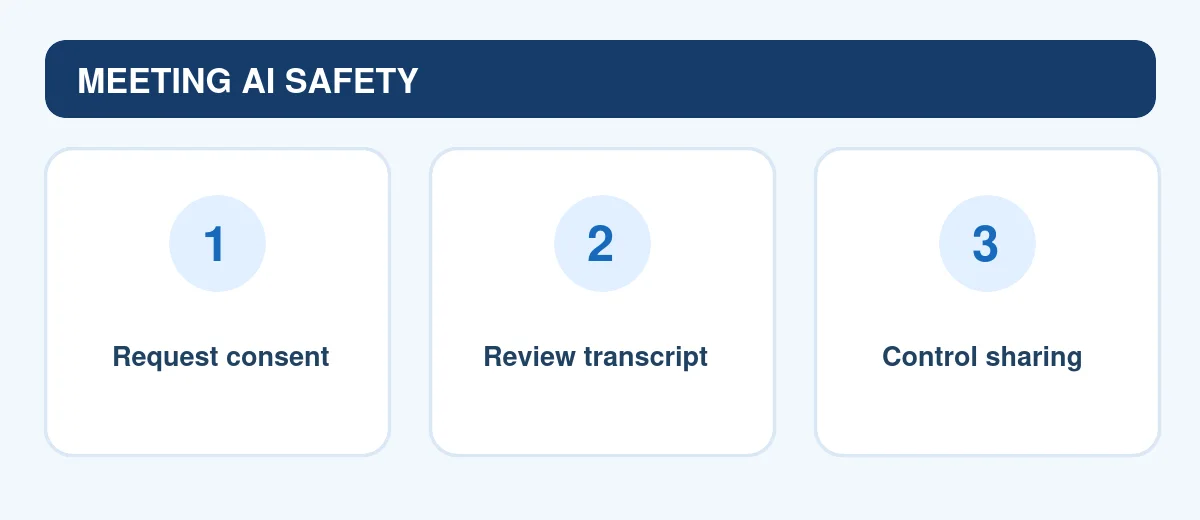
Whatever the outcome, the practical lesson applies to every AI meeting tool: announce recording at the start, get agreement from external participants, and avoid recording confidential, legal, medical, or HR conversations unless your policies allow it. ThriftBeam’s AI meeting notes privacy and consent checklist covers the steps.
Strengths and limitations
| Strengths | Limitations |
|---|---|
| Hands-off capture through automatic meeting joining | Auto-join can record people who did not expect it unless settings are reviewed |
| Summaries, action items, and searchable history | AI summaries can miss nuance or misattribute speakers |
| Enterprise agreements shift data control to the customer | Individual accounts are covered by the general policy, including de-identified training |
| Integrations with calendars and meeting platforms | Reported consent litigation may concern risk-averse organizations |
Setup checklist before your first recording
- Review calendar connection settings so the agent only joins meetings you choose.
- Check sharing defaults to control who receives transcripts and summaries after each call.
- Write a one-line recording notice to say at the start of meetings, and pause if anyone objects.
- Decide what never gets recorded, such as HR, legal, health, or client-confidential calls.
- Set a deletion routine for transcripts you no longer need.
- For teams, ask about an enterprise agreement and confirm in writing how training and retention are handled.
- Check summaries against the transcript before sharing decisions or figures.
Who should use Otter.ai?
- Good fit: internal team meetings, lectures, and interviews where everyone agrees to be recorded.
- Use with care: sales and client calls, which need clear consent from external participants.
- Poor fit: confidential, privileged, or regulated conversations without an enterprise agreement and legal review.
If you are weighing whether you need an AI note-taker at all, compare options using ThriftBeam’s AI tool evaluation process.
Frequently asked questions
Does Otter use my recordings to train AI?
Otter’s June 2026 privacy policy says it trains its proprietary AI on de-identified audio recordings and on transcriptions, which may contain personal information. Enterprise agreements may set different terms.
Is Otter.ai legal to use?
Using a transcription tool is generally lawful, but recording laws vary. In all-party consent locations, everyone must agree before recording. Check local law and your organization’s policy.
Can people tell Otter is in the meeting?
When the agent joins as a participant, it typically appears in the attendee list, but not everyone checks. Announce recording verbally rather than relying on others to notice.
The bottom line
Our Otter.ai review conclusion: it is a capable, convenient meeting assistant for internal calls with clear consent. Its data-use terms and reported consent litigation mean organizations should review settings, policies, and contracts before rolling it out widely, and never record sensitive conversations by default.
Next step: Before connecting Otter or any AI note-taker, work through the meeting notes privacy checklist and compare alternatives in the AI Tools Finder.
Editorial disclosure: This review was prepared with AI assistance and is based on Otter’s published privacy policy and independent reporting as of October 28, 2026. It is not based on first-hand product testing and is not legal advice. See our Editorial Policy.
Sources and verification
- Otter.ai — Privacy Policy (effective June 16, 2026)
- eWeek — Otter.ai accused of recording meeting participants without their knowledge
- HappyScribe — Otter AI review (reports consolidated litigation)
- Otter.ai — Pricing